



>>>> gd2md-html alert: inline image link in generated source and store images to your server. NOTE: Images in exported zip file from Google Docs may not appear in the same order as they do in your doc. Please check the images!
—–>


If you’re not a developer, then why in the world would you want to run an open-source AI model on your home computer?
It turns out there are a number of good reasons. And with free, open-source models getting better than ever—and simple to use, with minimal hardware requirements—now is a great time to give it a shot.
Here are a few reasons why open-source models are better than paying $20 a month to ChatGPT, Perplexity, or Google:
- It’s free. No subscription fees.
- Your data stays on your machine.
- It works offline, no internet required.
- You can train and customize your model for specific use cases, such as creative writing or… well, anything.
The barrier to entry has collapsed. Now there are specialized programs that let users experiment with AI without all the hassle of installing libraries, dependencies, and plugins independently. Just about anyone with a fairly recent computer can do it: A mid-range laptop or desktop with 8GB of video memory can run surprisingly capable models, and some models run on 6GB or even 4GB of VRAM. And for Apple, any M-series chip (from the last few years) will be able to run optimized models.
The software is free, the setup takes minutes, and the most intimidating step—choosing which tool to use—comes down to a simple question: Do you prefer clicking buttons or typing commands?
LM Studio vs. Ollama
Two platforms dominate the local AI space, and they approach the problem from opposite angles.
LM Studio wraps everything in a polished graphical interface. You can simply download the app, browse a built-in model library, click to install, and start chatting. The experience mirrors using ChatGPT, except the processing happens on your hardware. Windows, Mac, and Linux users get the same smooth experience. For newcomers, this is the obvious starting point.
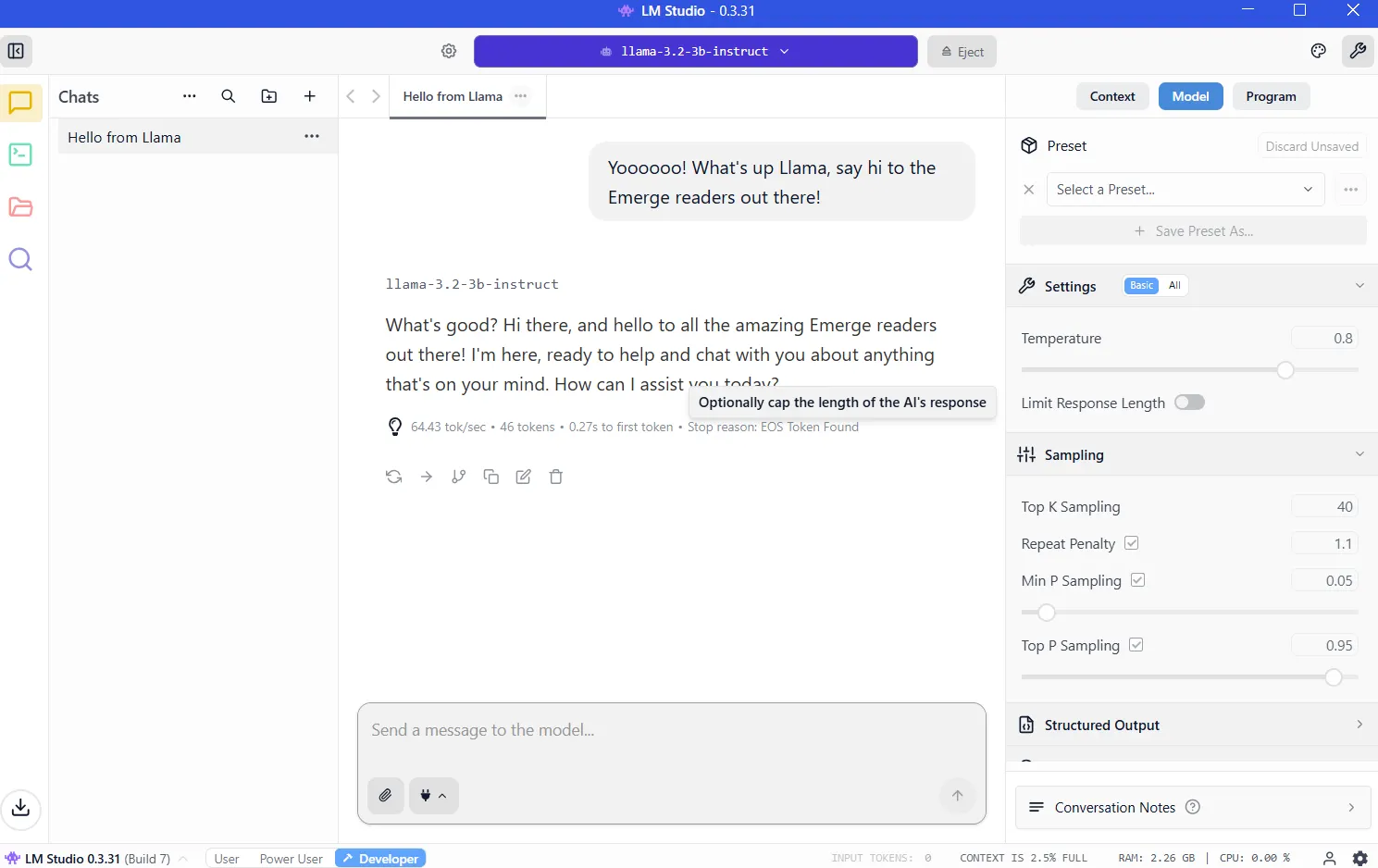
Ollama is aimed at developers and power users who live in the terminal. Install via command line, pull models with a single command, and then script or automate to your heart’s content. It’s lightweight, fast, and integrates cleanly into programming workflows.
The learning curve is steeper, but the payoff is flexibility. It is also what power users choose for versatility and customizability.
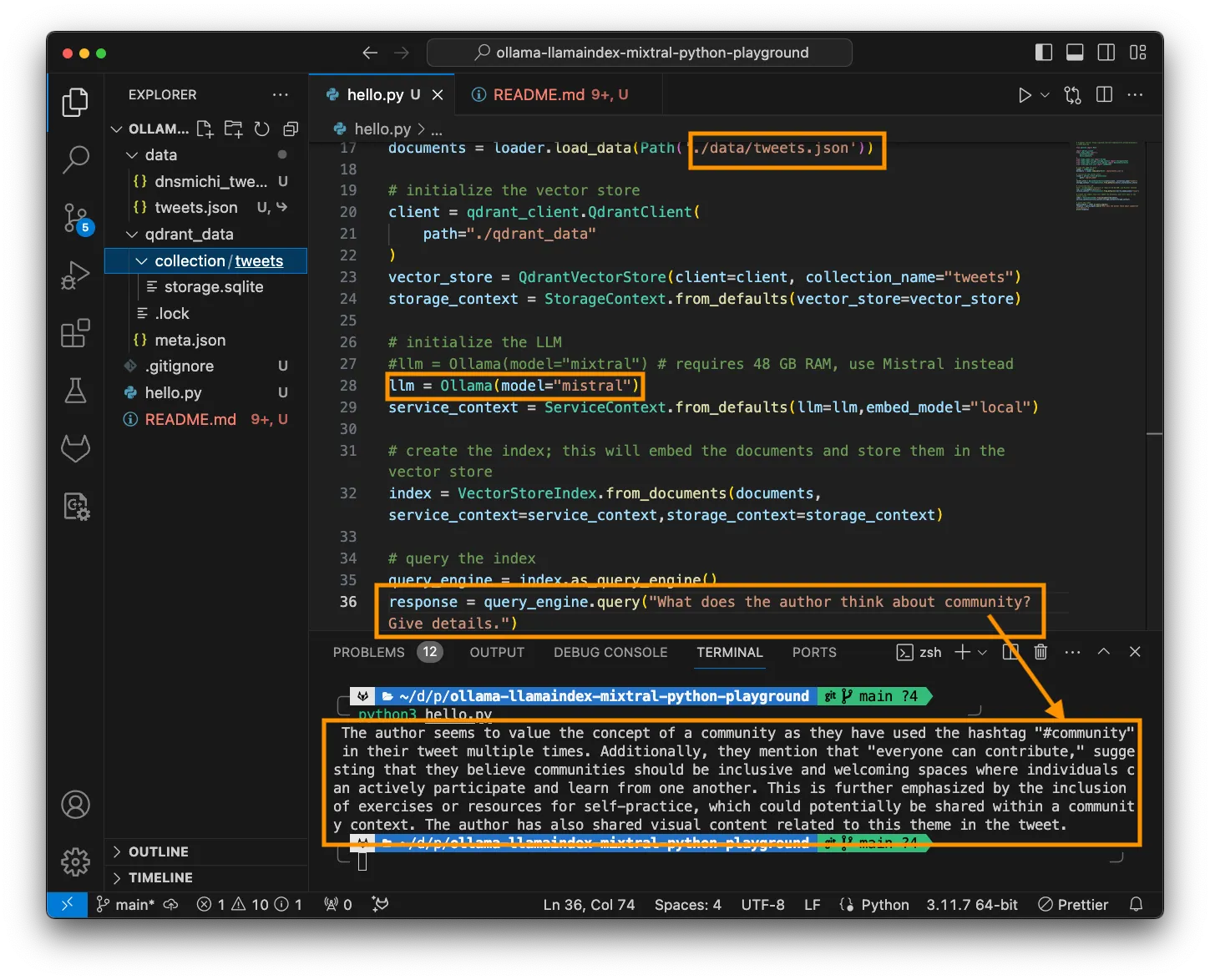
Both tools run the same underlying models using identical optimization engines. Performance differences are negligible.
Setting up LM Studio
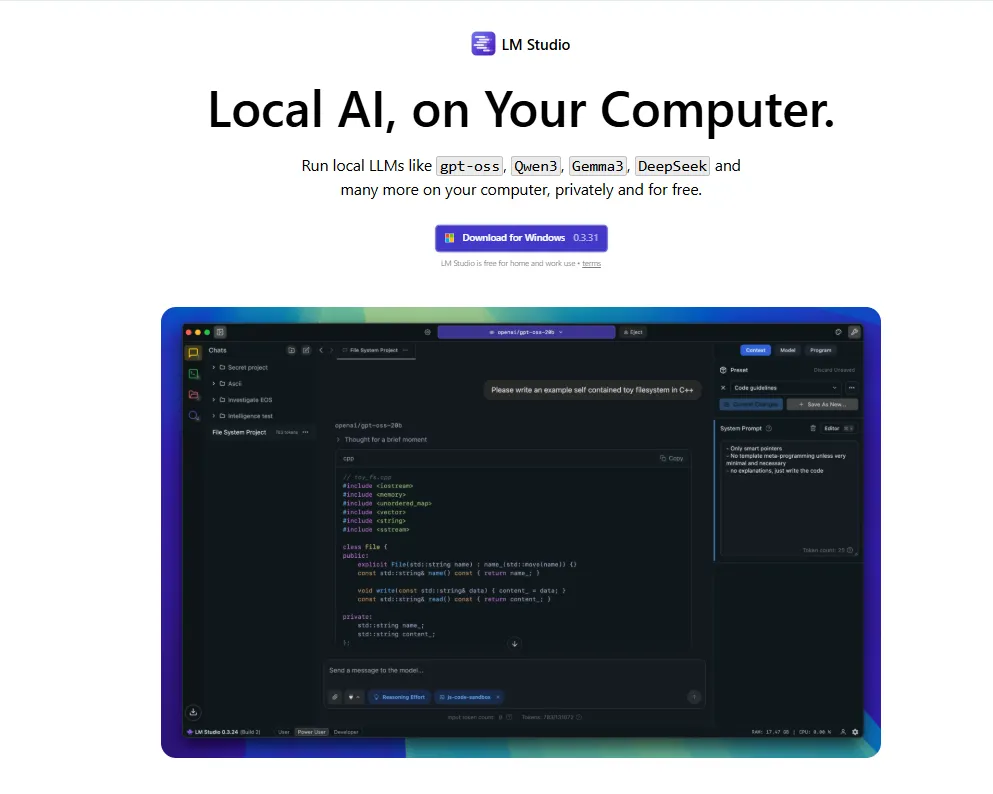
Visit https://lmstudio.ai/ and download the installer for your operating system. The file weighs about 540MB. Run the installer and follow the prompts. Launch the application.
Hint 1: If it asks you which type of user you are, pick “developer.” The other profiles simply hide options to make things easier.
Hint 2: It will recommend downloading OSS, OpenAI’s open-source AI model. Instead, click “skip” for now; there are better, smaller models that will do a better job.
VRAM: The key to running local AI
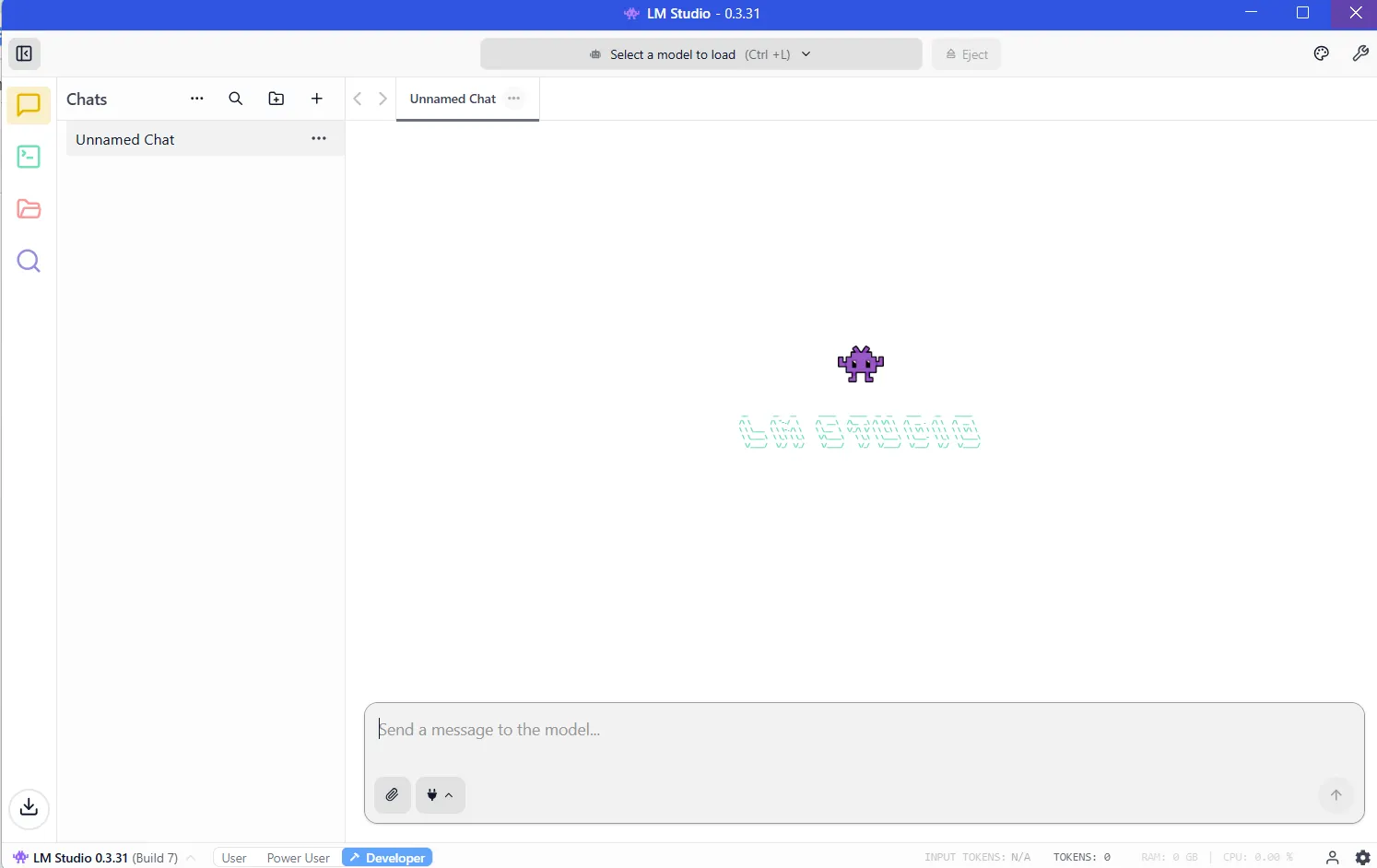
Once you have installed LM Studio, the program will be ready to run and will look like this:
Now you need to download a model before your LLM will work. And the more powerful the model, the more resources it will require.
The critical resource is VRAM, or video memory on your graphics card. LLMs load into VRAM during inference. If you don’t have enough space, then performance collapses and the system must resort to slower system RAM. You’ll want to avoid that by having enough VRAM for the model you want to run.
To know how much VRAM you have, you can enter the Windows task manager (control+alt+del) and click on the GPU tab, making sure you have selected the dedicated graphics card and not the integrated graphics on your Intel/AMD processor.
You will see how much VRAM you have in the “Dedicated GPU memory” section.
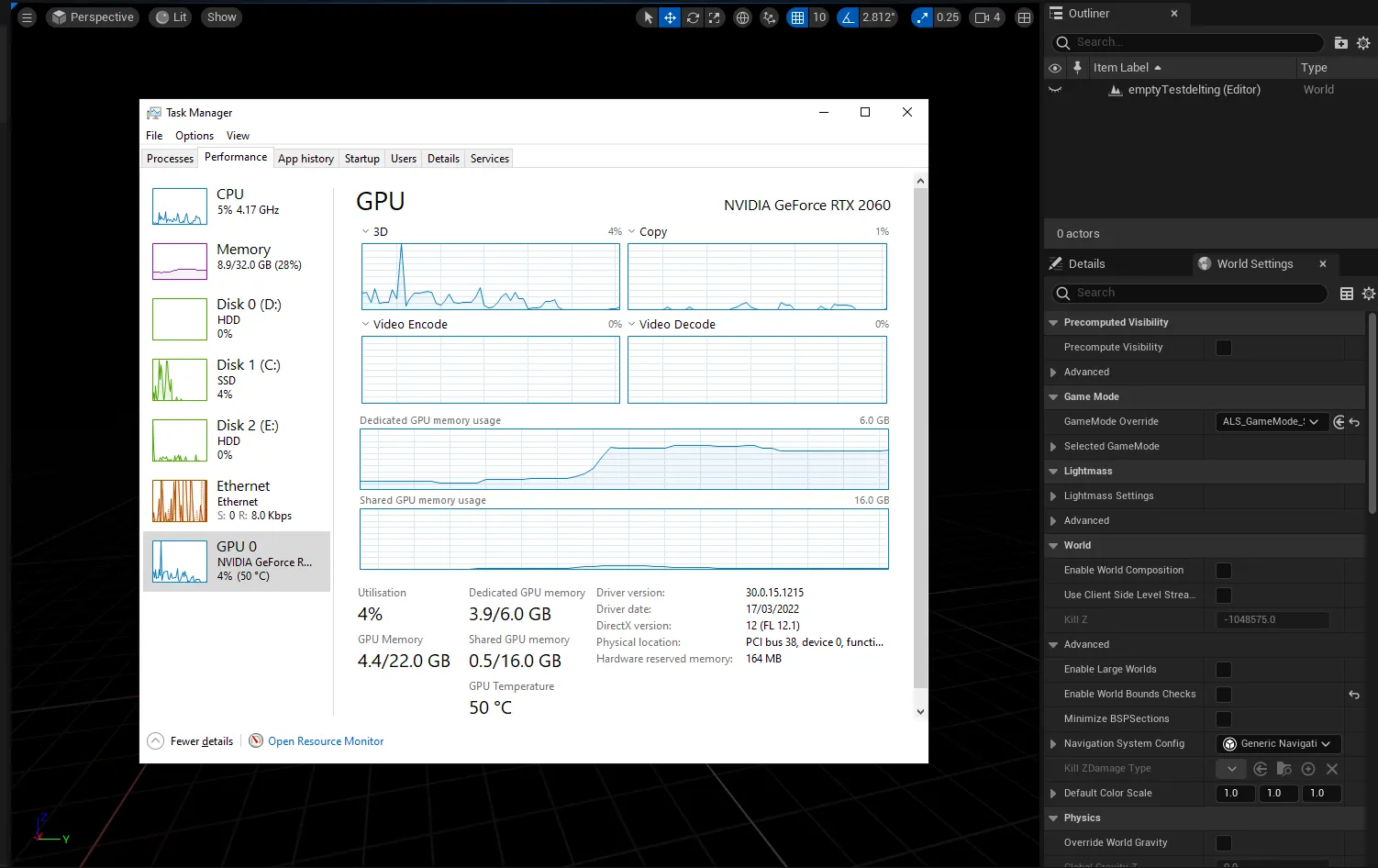
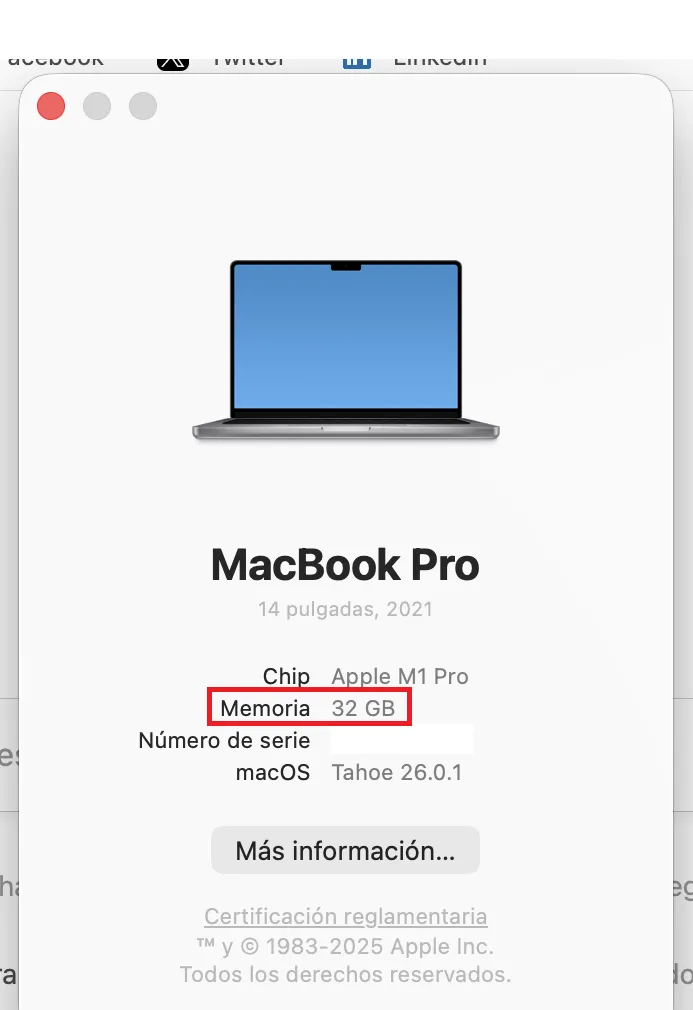
On M-Series Macs, things are easier since they share RAM and VRAM. The amount of RAM on your machine will equal the VRAM you can access.
To check, click on the Apple logo, then click on “About.” See Memory? That’s how much VRAM you have.
You’ll want at least 8GB of VRAM. Models in the 7-9 billion parameter range, compressed using 4-bit quantization, fit comfortably while delivering strong performance. You’ll know if a model is quantized because developers usually disclose it in the name. If you see BF, FP or GGUF in the name, then you are looking at a quantized model. The lower the number (FP32, FP16, FP8, FP4), the fewer resources it will consume.
It’s not apples to apples, but imagine quantization as the resolution of your screen. You will see the same image in 8K, 4K, 1080p, or 720p. You will be able to grasp everything no matter the resolution, but zooming in and being picky at the details will reveal that a 4K image has more information that a 720p, but will require more memory and resources to render.
But ideally, if you are really serious, then you should buy a nice gaming GPU with 24GB of VRAM. It doesn’t matter if it is new or not, and it doesn’t matter how fast or powerful it is. In the land of AI, VRAM is king.
Once you know how much VRAM you can tap, then you can figure out which models you can run by going to the VRAM Calculator. Or, simply start with smaller models of less than 4 billion parameters and then step up to bigger ones until your computer tells you that you don’t have enough memory. (More on this technique in a bit.)
Downloading your models
Once you know your hardware’s limits, then it’s time to download a model. Click on the magnifying glass icon on the left sidebar and search for the model by name.
Qwen and DeepSeek are good models to use to begin your journey. Yes, they are Chinese, but if you are worried about being spied on, then you can rest easy. When you run your LLM locally, nothing leaves your machine, so you won’t be spied on by either the Chinese, the U.S. government, or any corporate entities.
As for viruses, everything we’re recommending comes via Hugging Face, where software is instantly checked for spyware and other malware. But for what it’s worth, the best American model is Meta’s Llama, so you may want to pick that if you are a patriot. (We offer other recommendations in the final section.)
Note that models do behave differently depending on the training dataset and the fine-tuning techniques used to build them. Elon Musk’s Grok notwithstanding, there is no such a thing as an unbiased model because there is no such thing as unbiased information. So pick your poison depending on how much you care about geopolitics.
For now, download both the 3B (smaller less capable model) and 7B versions. If you can run the 7B, then delete the 3B (and try downloading and running the 13B version and so on). If you cannot run the 7B version, then delete it and use the 3B version.
Once downloaded, load the model from the My Models section. The chat interface appears. Type a message. The model responds. Congratulations: You’re running a local AI.
Giving your model internet access
Out of the box, local models can’t browse the web. They’re isolated by design, so you will iterate with them based on their internal knowledge. They will work fine for writing short stories, answering questions, doing some coding, etc. But they won’t give you the latest news, tell you the weather, check your email, or schedule meetings for you.
Model Context Protocol servers change this.
MCP servers act as bridges between your model and external services. Want your AI to search Google, check GitHub repositories, or read websites? MCP servers make it possible. LM Studio added MCP support in version 0.3.17, accessible through the Program tab. Each server exposes specific tools—web search, file access, API calls.
If you want to give models access to the internet, then our complete guide to MCP servers walks through the setup process, including popular options like web search and database access.
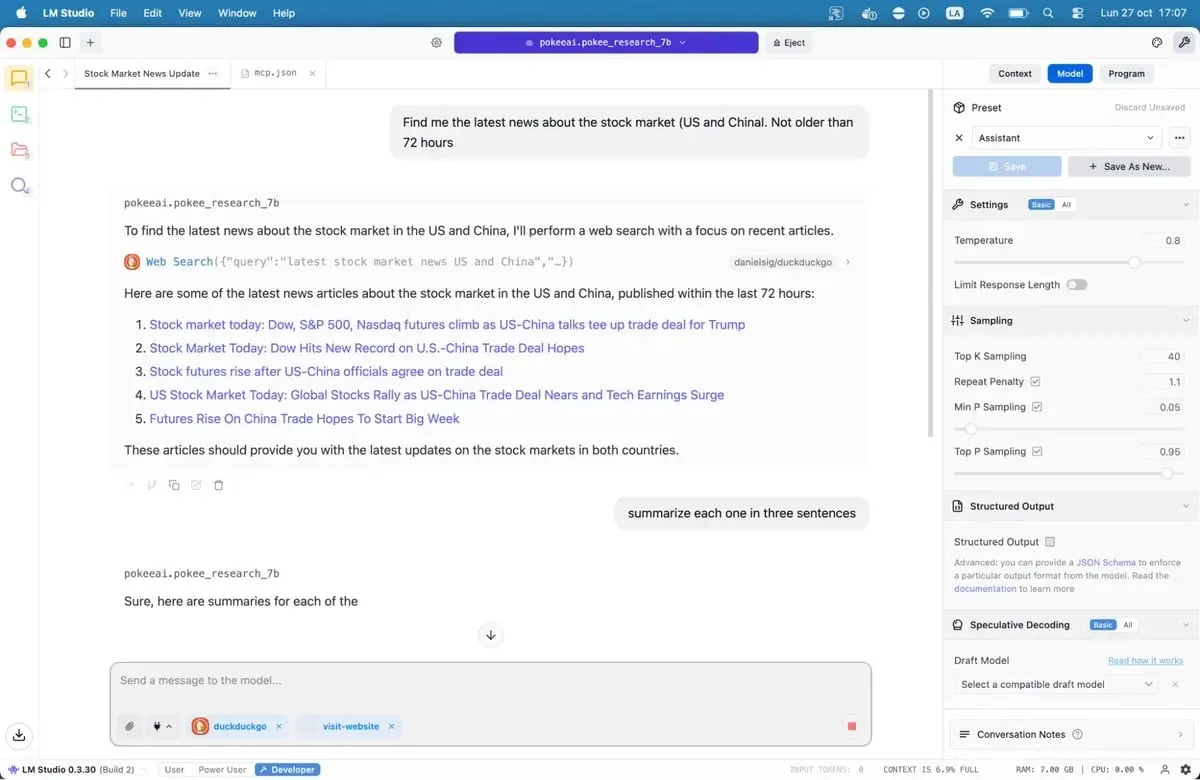
Save the file and LM Studio will automatically load the servers. When you chat with your model, it can now call these tools to fetch live data. Your local AI just gained superpowers.
Our recommended models for 8GB systems
There are literally hundreds of LLMs available for you, from jack-of-all-trades options to fine-tuned models designed for specialized use cases like coding, medicine, role play or creative writing.
Best for coding: Nemotron or DeepSeek are good. They won’t blow your mind, but will work fine with code generation and debugging, outperforming most alternatives in programming benchmarks. DeepSeek-Coder-V2 6.7B offers another solid option, particularly for multilingual development.
Best for general knowledge and reasoning: Qwen3 8B. The model has strong mathematical capabilities and handles complex queries effectively. Its context window accommodates longer documents without losing coherence.
Best for creative writing: DeepSeek R1 variants, but you need some heavy prompt engineering. There are also uncensored fine-tunes like the “abliterated-uncensored-NEO-Imatrix” version of OpenAI’s GPT-OSS, which is good for horror; or Dirty-Muse-Writer, which is good for erotica (so they say).
Best for chatbots, role-playing, interactive fiction, customer service: Mistral 7B (especially Undi95 DPO Mistral 7B) and Llama variants with big context windows. MythoMax L2 13B maintains character traits across long conversations and adapts tone naturally. For other NSFW role-play, there are many options. You may want to check some of the models on this list.
For MCP: Jan-v1-4b and Pokee Research 7b are nice models if you want to try something new. DeepSeek R1 is another good option.
All of the models can be downloaded directly from LM Studio if you just search for their names.
Note that the open-source LLM landscape is shifting fast. New models launch weekly, each claiming improvements. You can check them out in LM Studio, or browse through the different repositories on Hugging Face. Test options out for yourself. Bad fits become obvious quickly, thanks to awkward phrasing, repetitive patterns, and factual errors. Good models feel different. They reason. They surprise you.
The technology works. The software is ready. Your computer probably already has enough power. All that’s left is trying it.
Generally Intelligent Newsletter
A weekly AI journey narrated by Gen, a generative AI model.